Guide
Best Residential Proxies for Web Scraping in 2026
What makes a residential proxy good for web scraping in 2026, how to compare providers on success rate and cost per usable request rather than pool size, and when datacenter or ISP proxies are the better choice.
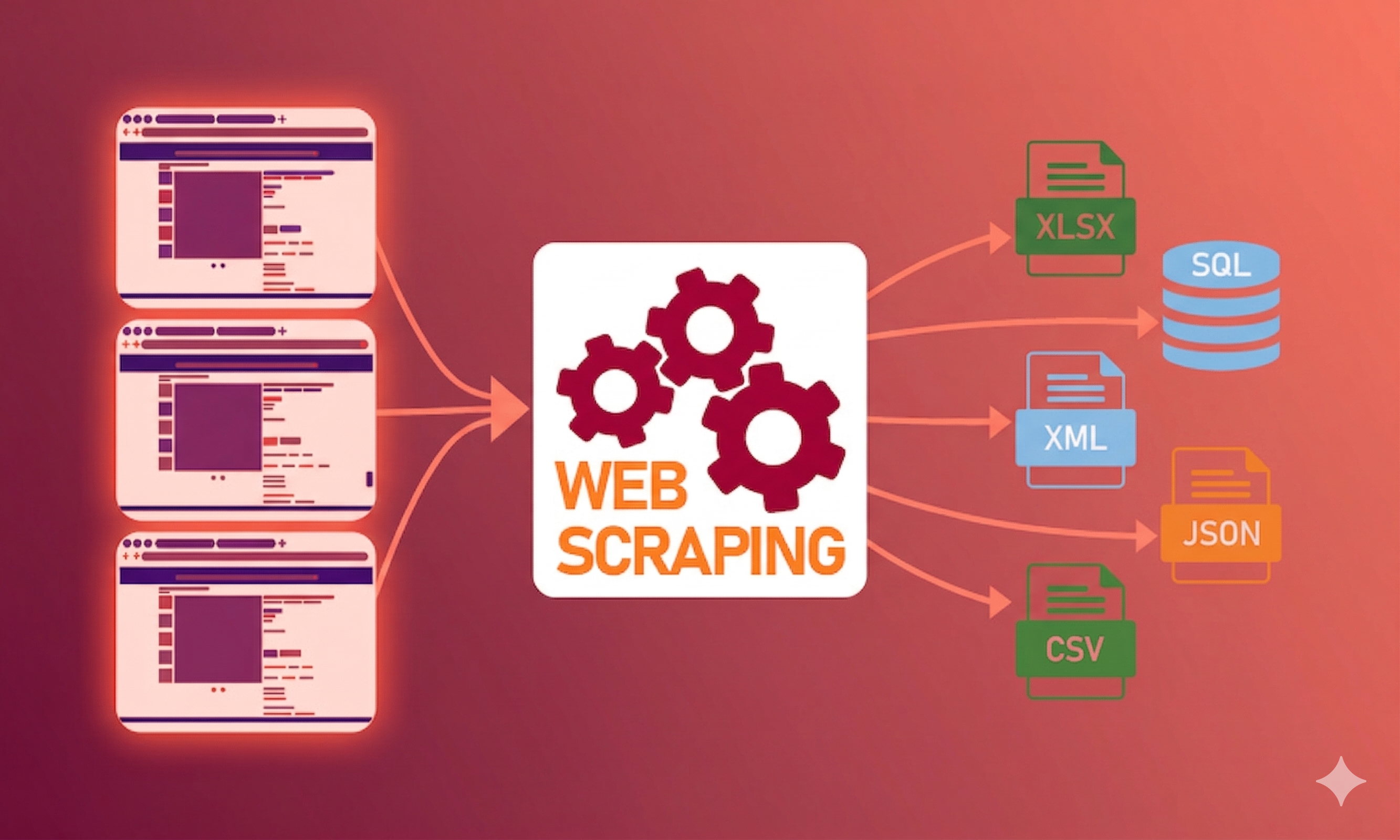
The best residential proxies for web scraping are the ones with the highest success rate on your targets at the lowest cost per successful request — not the ones with the biggest advertised pool. In practice that means a large, clean pool; per-request rotation with sticky sessions on demand; city-level targeting; HTTP(S) and SOCKS5; no concurrency cap; and per-gigabyte pricing without feature multipliers.
Pool size is the most marketed number and the least predictive one. A provider with a huge pool full of recycled, flagged IPs will lose to a smaller, cleaner network every time.

What makes a residential proxy good for scraping
| Criterion | What good looks like | Red flag |
|---|---|---|
| Success rate | Measured on your targets during a trial | Only a generic "99% success" claim |
| Pool quality | IPs that are not already flagged | Size quoted with no mention of freshness |
| Rotation | Per request, plus sticky sessions you control | Rotation only on a fixed timer |
| Geo-targeting | Country, state and city | Country only |
| Protocols | HTTP(S) and SOCKS5, ideally UDP | HTTP only |
| Concurrency | Unlimited or clearly stated | Low caps that queue your requests |
| Pricing | Flat per-GB, bandwidth that does not expire | Multipliers for basic features |
| Authentication | Credentials and IP allowlisting | Only one method |
Each of these maps to a real failure. Weak rotation control means you cannot tune data quality. Country-only targeting means local prices come back wrong. A concurrency cap becomes your crawler's ceiling. Multipliers mean the price you compared is not the price you pay.
Residential, datacenter or ISP for scraping?
| Proxy type | Best for | Trade-off |
|---|---|---|
| Rotating residential | Protected sites, e-commerce, search, social | Per-GB cost, slightly higher latency |
| Datacenter | Open data, public APIs, your own sites, high volume | Filtered quickly on protected sites |
| ISP (static residential) | Long sessions, logged-in scraping, fixed identity | Small pool, poor for broad rotation |
| Mobile | The most heavily protected targets | Highest cost |
Most production scrapers use more than one type. Default to datacenter for tolerant targets and escalate to residential only where you are blocked. Sending everything through residential IPs is the most common way to overspend. Datacenter vs residential proxies in 2026 covers the split in detail.
How to compare providers properly
Headline claims do not survive contact with a real target. The comparison that works:
- Pick your hardest target, not an easy test page.
- Run at your real concurrency for long enough to see the pool rotate — a few hundred requests at minimum.
- Measure success rate — responses that contain the data, not just HTTP 200. A CAPTCHA page served with a 200 is a failure.
- Record bandwidth consumed, including retries.
- Divide cost by successful requests. That is the only price that matters.
A worked example of why step five matters: a provider at $0.50/GB with a 90% success rate costs less per usable result than one at $0.40/GB with a 60% success rate, because you pay for the failed requests too — and every retry consumes more.
What options are available for free trials of proxy services? covers how to run this test within trial limits.
Providers worth evaluating
Prices and pool sizes below are as each provider published them in September 2026. Verify current figures before buying.
FlameProxies. 80M+ residential IPs across 180+ countries at $0.50/GB, dropping to $0.45/GB above 1TB. Pay-as-you-go with a 1GB minimum and bandwidth that does not expire. HTTP(S), SOCKS5 and UDP at the standard rate, a Fast connection option for the lowest-latency IPs, Standard, Performance and Ultra pool tiers included, and no cap on concurrency or throughput.
Evomi. 54M+ residential IPs across 150+ countries. $0.49/GB on a 100GB monthly plan, $0.99/GB pay-as-you-go. A July 2026 Proxyway benchmark reported no tested provider with better latency in the US, UK and EU. Advanced filters — fraud score, ASN, ISP targeting — apply bandwidth multipliers of up to 15×. See Evomi vs FlameProxies.
Enterprise platforms such as Bright Data and Oxylabs offer the broadest tooling — unblocker APIs, scraping APIs, dedicated account management — at higher per-gigabyte prices. They are worth it when you want a managed service rather than raw proxy access.
The honest decision rule: if you need a managed scraping product, pay for an enterprise platform. If you need reliable residential IPs at scale and will run the scraper yourself, cost per successful request should decide it.
Setting up residential proxies for scraping
The connection is a gateway host, a port and credentials. Configuration differs by tool, and each has a gotcha:
- Python requests — the proxies dict is keyed by the target URL's scheme
- Scrapy — your middleware must run before HttpProxyMiddleware at 750
- Playwright — credentials go in separate fields, not the server URL
- cURL — use socks5h, not socks5, to keep DNS inside the tunnel
Why residential proxies alone will not stop every block
Residential IPs fix the IP-reputation layer. Modern anti-bot systems also evaluate your TLS fingerprint, browser fingerprint, request timing and whether your locale matches your exit country. Cloudflare's published bot-management approach classifies traffic per request rather than blocklisting IPs, so a clean residential IP behind an obviously scripted client still gets challenged.
So pair residential proxies with a real browser engine for hard targets, human-plausible pacing, and a browser locale that matches the exit. Anti-bot detection in 2026 explains the layers, and how to use proxies for scraping while avoiding bans turns them into a checklist.
Current FlameProxies rates are on the pricing page.
Frequently asked questions
- What are the best residential proxies for web scraping?
- The best residential proxies for web scraping combine a large, clean IP pool, per-request rotation with optional sticky sessions, city-level targeting, HTTP(S) and SOCKS5 support, no concurrency cap, and per-gigabyte pricing without multipliers. Rank candidates on success rate against your own targets and cost per successful request, not advertised pool size. FlameProxies, for example, offers 80M+ residential IPs in 180+ countries at $0.50/GB with unlimited concurrent sessions.
- Are residential proxies better than datacenter proxies for scraping?
- For protected targets, yes, because sites filter datacenter IP ranges first and residential IPs belong to real consumer ISPs. For unprotected targets — open data, public APIs, your own sites — datacenter proxies are faster and far cheaper per request, so most production scrapers use both, split by target.
- How much do residential proxies for scraping cost?
- Budget residential proxies start around $0.50/GB, mainstream plans typically run from roughly $1 to $4/GB, and premium tiers cost more. FlameProxies is $0.50/GB, dropping to $0.45/GB above 1TB. The number that matters is cost per successful request, because failed requests still consume billed bandwidth.
- How many residential IPs do I need for web scraping?
- Fewer than pool-size marketing suggests. What matters is how many requests per hour each IP can make against your target before it is throttled, and whether the provider replaces dead exits quickly. A rotating gateway with a large pool means you rarely think about IP count at all.
- Should I rotate residential proxies on every request?
- For stateless collection such as product pages, listings or search results, yes. For anything with state — logins, carts, paginated flows that set cookies — hold a sticky session, because changing IP mid-flow looks like session hijacking.