Guide
Can Proxies Protect Browsing Privacy Online?
Can proxies protect browsing privacy? Learn what proxies hide, what they cannot secure, and how to choose residential or datacenter IPs for web privacy.
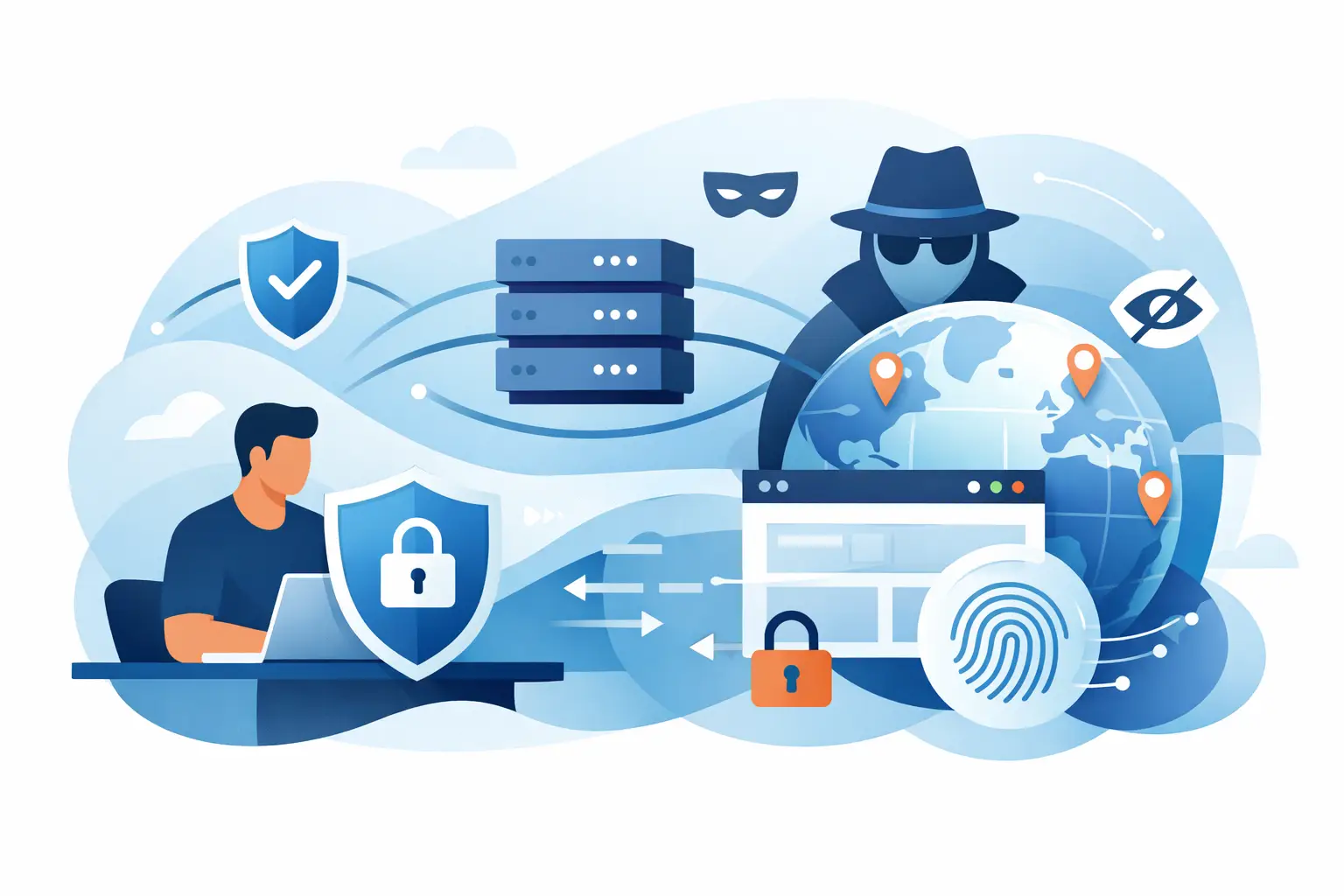
A website does not see your intentions. It sees technical signals: your IP address, approximate location, browser behavior, connection patterns, and sometimes the account you use. If your home or office IP is exposed on every request, those signals can be tied together quickly. That is why operators ask: can proxies protect browsing privacy? Yes, but only when you understand exactly what a proxy changes and what it leaves exposed.
A proxy can replace the IP address visible to a target website with another IP from a chosen location or pool. That makes it useful for privacy-focused browsing, geographic testing, research, ad verification, and data operations. It is not a complete anonymity system. A proxy is one layer in a privacy setup, not a substitute for browser hygiene, encrypted connections, or disciplined account use.
Can Proxies Protect Browsing Privacy in Practice?
A proxy sits between your device and the website you visit. Instead of connecting directly to the target server, your browser or application sends the request through the proxy. The target sees the proxy IP rather than your original connection IP.
That change matters. Your residential ISP address can reveal your city or region, identify your organization through IP ownership records, and make repeated activity easy to associate with the same network. A proxy separates your direct network identity from the requests sent to a site.
For example, an e-commerce analyst checking search rankings across multiple US markets can use location-specific proxy IPs rather than repeatedly querying from the corporate network. An ad verification team can load campaigns from the market where the ads are meant to appear. A privacy-conscious user can avoid handing every site the same home IP address.
The protection is real, but it has boundaries. A proxy protects the IP layer seen by the destination. It does not automatically prevent tracking through cookies, browser fingerprinting, account logins, device identifiers, or poor local security practices.
What a Proxy Can Hide and What It Cannot
A quality proxy can conceal your origin IP from the website you are accessing. Depending on the service and configuration, it can also provide country, state, city, or carrier-level targeting. Rotating proxy pools can assign different IPs over time, reducing the chance that every session is linked to one static address.
This is especially useful when privacy and operational access overlap. Repeated searches, competitor monitoring, market research, and site testing can trigger rate limits or distorted results when they originate from a single IP. Proxy infrastructure distributes that activity through IPs that better match the intended audience or test location.
However, a proxy does not hide everything. Keep these limits clear:
- Cookies and local storage: Sites can recognize a returning browser even when the IP changes.
- Browser fingerprinting: Screen size, fonts, extensions, language settings, time zone, and rendering behavior can create a recognizable profile.
- Logged-in accounts: Signing into the same Google, social, shopping, or work account directly ties activity to that account.
- DNS or WebRTC leaks: Incorrect browser or system settings can expose information outside the proxy route.
- The proxy provider itself: Your provider processes traffic according to its service design and policies. Provider selection is part of your privacy decision.
Privacy is therefore not binary. A proxy can substantially reduce IP-based exposure, but it cannot make an identifiable session anonymous if every other signal stays the same.
Residential vs. Datacenter Proxies for Privacy
The right proxy type depends on the website, volume, budget, and level of location realism you need.
Residential Proxies
Residential proxies route traffic through IPs associated with real consumer internet connections. Because these IPs resemble ordinary user traffic, they are often more effective for accessing sites that closely evaluate request origin and behavior. They are a practical fit for localized search research, retail monitoring, travel pricing checks, ad verification, and privacy-focused browsing where a specific country or city matters.
Their advantage is credibility and geographic breadth. Their trade-off is cost. Residential bandwidth generally costs more than datacenter bandwidth, particularly at high request volumes. Use them where IP quality, location targeting, and lower block rates justify the spend.
Datacenter Proxies
Datacenter proxies use IPs hosted in data centers. They are typically faster, more affordable, and well suited to high-volume workloads on targets that do not require residential-looking traffic. They can still protect your direct IP address, making them useful for general browsing separation, public data acquisition, and controlled automation.
The trade-off is detectability. Some websites recognize datacenter networks and may challenge, limit, or block traffic from them. For lower-friction targets, datacenter proxies can deliver strong cost efficiency. For sensitive or highly protected sites, residential IPs are usually the better operational choice.
FlameProxies provides both options, including residential access across more than 180 countries and lower-cost datacenter proxy bandwidth for workloads where speed and price matter most.
Build a Privacy Setup That Does More Than Change an IP
Changing an IP is the starting point, not the finish line. Use a clean browser profile for each distinct task or identity. A separate profile prevents cookies, cached sessions, autofill data, and extensions from crossing between research, business operations, and personal browsing.
Match your browser environment to the proxy location when location consistency matters. A US proxy paired with a browser set to a different time zone, language, and locale can look inconsistent to advanced anti-fraud systems. Consistency does not mean pretending to be someone else — it means avoiding avoidable technical mismatches that can disrupt legitimate testing and research.
Use HTTPS whenever it is available. HTTPS encrypts the connection between your browser and the website, protecting the content of traffic from interception in transit. A proxy may mask your IP from the site, but HTTPS protects the data exchanged with that site. These are separate protections that work together.
Also confirm that your proxy configuration covers the traffic you expect it to cover. A browser-level proxy affects browser traffic, while an operating-system or application-level configuration may be needed for tools, scripts, and other software. Test your setup before running a sensitive workflow. Verify the displayed IP, expected country, DNS behavior, and whether WebRTC exposes a local address in your chosen browser.
Rotation Helps, but Random Rotation Is Not Always Better
Rotating IPs can improve privacy by preventing large volumes of activity from accumulating under one address. It can also reduce rate limits when collecting public data at scale. But excessive rotation can break sessions, trigger verification checks, and make normal user flows look less consistent.
For short, independent requests, frequent rotation is usually useful. For a multi-step workflow such as checking out a cart, testing a logged-in dashboard, or completing a form sequence, a sticky session is often more practical. Sticky sessions hold the same proxy IP for a defined period, preserving continuity without exposing your home or office address.
The practical rule is simple: rotate when requests should be independent; keep a stable session when the website expects continuity. Configure session duration around the task rather than treating rotation as a universal setting.
Avoid the Privacy Mistakes That Undercut Proxy Use
Free public proxies are a poor choice for any sensitive browsing. Their operators may log traffic, inject ads, operate unreliable infrastructure, or disappear without warning. A free endpoint can cost far more than it saves if it exposes credentials, corrupts data collection, or creates inconsistent results.
Do not send passwords, payment information, internal documents, or other sensitive data through an untrusted proxy. For legitimate business use, choose a provider with clear access controls, reliable support, transparent proxy types, and infrastructure suitable for the volume you plan to run.
It also helps to separate privacy from evasion. Proxies are valid infrastructure for testing localized experiences, collecting public data responsibly, managing approved accounts, and reducing direct IP exposure. They should not be used to bypass access controls, impersonate users, violate platform rules, or conduct unauthorized activity. A technically capable setup still needs a lawful and policy-compliant use case.
Choosing the Right Proxy for the Job
Start with the target. If you need broad global access and realistic location signals, residential proxies are usually the better fit. If you need economical bandwidth for less restrictive public targets, datacenter proxies may be enough. Then choose the routing model: rotating IPs for independent requests, or sticky sessions for workflows that need continuity.
Next, assess operational details that affect real results. Check country and city availability, session controls, authentication method, concurrency capacity, response speed, and support availability. An inexpensive proxy is not efficient if limited targeting, unstable connections, or slow issue resolution stops a workflow halfway through.
Browsing privacy improves when you reduce the number of signals that identify your direct connection and keep the remaining signals consistent with your legitimate task. Use a proxy as a controlled layer of infrastructure, not a promise of invisibility. The best configuration is the one that protects your origin IP, fits the target environment, and stays reliable enough to support the work you actually need to do.