Guide
Privacy Proxies: Separating Business Activity From Your IP
Privacy proxies separate your web activity from your primary IP, supporting location testing, research, automation, and controlled access at scale safely.
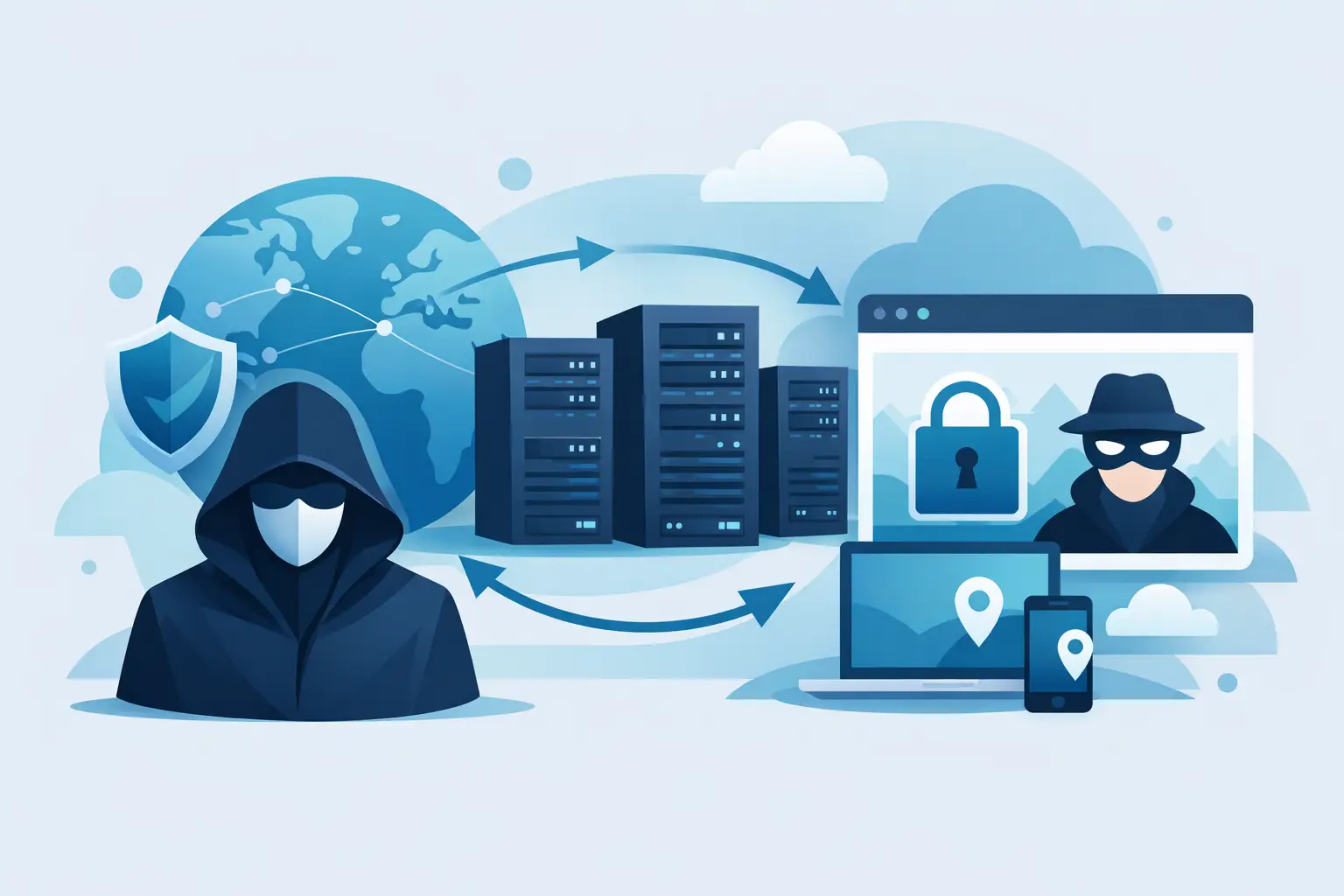
Most writing about proxies and privacy addresses the individual: hiding your browsing from your ISP, avoiding tracking, staying anonymous on public networks. That is a real use case, and a different one from what most organizations actually need. The organizational version is narrower and more consequential: your company's research, testing, and automation should not be attributable to your corporate IP ranges — because attribution changes what you are shown, who knows you are looking, and what gets inferred about your plans.
This covers operational privacy at organizational scale.
Why Corporate IP Attribution Matters
Your company's outbound traffic comes from a small, stable set of addresses. Those addresses are registered to your organization, and the mapping is public — WHOIS records, ASN registries, and commercial IP intelligence databases all resolve them back to you.
That creates several specific problems.
Competitors can see you looking. Any site with basic analytics can resolve visiting IPs to organizations. A competitor reviewing their traffic sees your company name against repeated visits to their pricing page, their job listings, their product documentation. The volume and timing of that interest is itself information — a surge of visits to a competitor's enterprise pricing page tells them something before you have announced anything.
You get shown a different site. Many B2B platforms run IP-based firmographic personalization, serving different content, pricing, and messaging to visitors identified as specific companies. Research conducted from your corporate IP may return a version tailored to you, which is precisely not the baseline you were trying to observe.
Your research patterns are a signal. Due diligence, partner evaluation, and market research all generate traffic patterns. Concentrated activity against a particular company's properties, visible to that company, can disclose intent at an inconvenient time.
Rate limits and blocks apply to the whole organization. Because the address set is small, aggressive automated activity from one team can get the shared egress range flagged — and then an unrelated team's work breaks.
A proxy layer separates these activities from your primary address space. The research happens; the attribution does not.
What This Is Not
Worth being direct about scope.
This is not about anonymity from law enforcement, evading accountability, or hiding activity that would not survive scrutiny. Proxy traffic is logged, billable, and attributable to an account. It is a layer of operational separation, not a cloak.
It is also not about circumventing access controls. Content behind authentication stays behind authentication. Sites that prohibit automated access in their terms still prohibit it. Operational privacy is about attribution of legitimate activity, not about reaching things you are not entitled to reach.
The legitimate framing is straightforward: your organization has normal reasons to view public web content without broadcasting its identity to every site it visits, in the same way it has normal reasons not to publish its research agenda.
The Main Use Cases
Competitive and market research. Viewing competitor pricing, positioning, job postings, and public materials without the visit resolving to your company, and without receiving a firmographically personalized version of their site.
Baseline observation. Seeing what a neutral visitor sees. This is the technical requirement behind most research — you want the default experience, and your corporate IP may not receive it.
Partner and vendor evaluation. Assessing a potential partner's public properties during a selection process, before any relationship is disclosed.
Localization and geographic testing. Verifying how your own product behaves for users in other markets, which requires presenting as a visitor in those markets.
Ad verification and brand safety. Confirming campaign delivery requires appearing as a member of the target audience, not as the advertiser's own office network.
Security research. Reviewing publicly available information about your own attack surface, or researching threats, without the research itself being attributable and informative to an adversary.
Protecting internal infrastructure. Automation that would otherwise expose the addresses of internal systems to every external endpoint it touches.
Building It Properly
A proxy alone is not a privacy layer. Several other things determine whether the separation actually holds.
IP type matters
Datacenter proxies solve attribution but introduce a new signal: many sites classify datacenter traffic differently, serving reduced content or blocking outright. You have swapped "identifiable as your company" for "identifiable as infrastructure," which for observation work is often worse — you still do not see the baseline.
Residential IPs present as ordinary consumer connections, which is what receives the default experience. For observation work specifically, that is the requirement.
Session isolation
Cookies, local storage, and cached authentication persist across requests and tie sessions together regardless of IP. A browser profile reused across markets or across research targets links them.
Use clean, isolated browser profiles per task. Clear storage between sessions. Do not sign in to anything from a research session, and particularly never to an account associated with your organization — a single authenticated request undoes the entire separation.
Fingerprint coherence
Browser fingerprinting operates independently of IP. A session with a Munich IP, en-US language, an America/New_York timezone, and a distinctive canvas fingerprint is both incoherent and trackable across IP changes.
Bind the full bundle: language, timezone, and locale matched to the proxy's geography, and realistic browser configuration. Incoherent signal sets are both detectable and more identifying than a consistent one.
DNS and WebRTC
Traffic can route through a proxy while DNS queries go to your own resolver, exposing which domains you are visiting to your ISP and resolving from your actual location. WebRTC can expose local and public addresses from the browser regardless of proxy settings.
Use proxy-side DNS resolution — socks5h:// rather than socks5:// for SOCKS5 — and disable WebRTC in research browser profiles.
Failure behavior
A dropped proxy connection without a kill switch silently resumes traffic on your real address, and everything appears to keep working. For sustained research this is the most likely way the separation breaks in practice, because it produces no visible error.
The Flame Proxy Connector handles this for desktop work — it includes a kill switch that blocks traffic rather than falling back, plus split tunneling so only the applications that need routing are routed. For programmatic work, verify the exit address at session start and treat verification failure as a hard stop.
Verifying the Separation Holds
Do not assume configuration took effect. Check it.
curl -x "http://user:pass@gateway.flameproxies.com:8080" \
     https://ipcheck.flameproxies.com
The returned address, organization, and geolocation should all reflect the proxy. If your own ISP appears, the proxy is not applying.
For browser-based work, load flameproxies.com/whatsmyip in the research profile and confirm the same. Check after any network interruption, since silent reconnection is the common failure.
For automated work, gate every session:
def start_research_session(country, city=None):
    proxies, sid, info = open_verified_session(country, city)
    if is_corporate_asn(info["asn"]):
        raise RuntimeError("Session resolved to corporate network — aborting")
    return proxies, sid
The explicit corporate-ASN check is worth including. It turns the most damaging failure mode — research running from your own network while you believe it is not — into an immediate abort.
Scaling Across a Team
Individual practice does not survive contact with a team unless it is structured.
Credentials scoped per team or project, so usage is attributable internally and revocable individually. A shared credential across the whole organization means one leak exposes everything and you cannot revoke without disrupting everyone.
Named profiles per research context. Saved configurations — market, rotation behavior, routed applications — that people select rather than assemble. Configuration people have to build by hand is configuration they get wrong.
A documented standard covering which activities route through proxies, which browser profile to use, and the verification step. Without it, the one person who skips verification is the one who generates the attributable traffic.
Monitoring for policy drift. Periodic checks that research traffic is actually leaving through the proxy layer, rather than trusting that it is.
Choosing the Setup
| Need | Configuration |
|---|---|
| Baseline observation of public sites | Residential, country-targeted, rotating |
| Market-specific content and pricing | Residential, city-targeted |
| Desktop apps and manual research | Connector with split tunneling and kill switch |
| High-volume automated collection | Gateway directly, many concurrent sessions |
| Consistent identity over time | Dedicated ISP proxies |
| Platform-specific behavior | OS targeting matched to the client you present |
FlameProxies provides residential and dedicated ISP proxy access across 180+ countries with city, OS, ASN, and region targeting, ethically sourced consent-based IPs, and no limits on concurrent sessions — so verification on every session runs alongside the work rather than competing with it. For desktop research the connector adds the kill switch and split tunneling that keep the separation intact when a connection drops.