Guide
Proxy Protocols for HTTP, HTTPS, and SOCKS5
Compare proxy protocols for scraping, automation, and privacy. Learn when HTTP, HTTPS, and SOCKS5 proxy connections fit your workload best for real jobs.
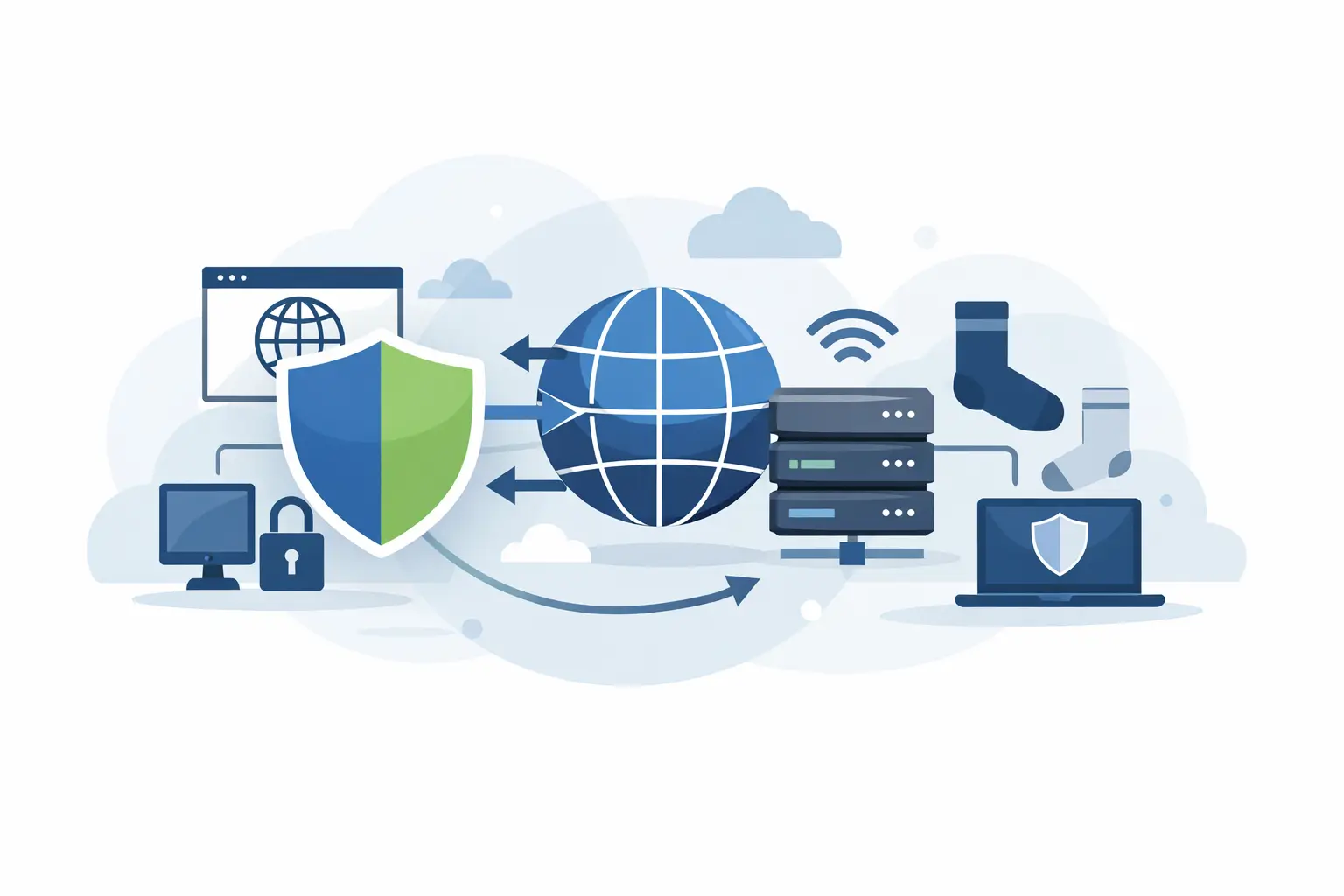
A proxy pool can have the right country coverage, rotation settings, and bandwidth price, then still underperform because the connection protocol does not match the job. Proxy protocols determine how a client sends traffic through a proxy server, what kinds of traffic it can carry, and how much control you have over requests. For scraping, ad verification, account workflows, and privacy-focused browsing, that choice affects compatibility, speed, and block rates.
The three protocols most operators encounter are HTTP, HTTPS, and SOCKS5. They are not interchangeable labels. Each works at a different layer of the connection and fits a different operational requirement.
What Proxy Protocols Control
A proxy acts as an intermediary between your device or application and a target website. Your request goes to the proxy, the proxy forwards it using its assigned IP address, and the response returns through that same path. The protocol defines the rules for that exchange.
In practical terms, proxy protocols affect whether your tool can send browser traffic, API calls, DNS requests, or non-web traffic. They also influence authentication support, encryption behavior, connection persistence, and setup complexity. A protocol mismatch often looks like a proxy issue: failed connections, incomplete page loads, authentication errors, or traffic that never reaches the target.
For most web data operations, HTTP and HTTPS proxies are enough. SOCKS5 becomes useful when your workload needs broader traffic support or your software does not operate strictly over HTTP. The right answer depends on your application, not on which protocol sounds more advanced.
HTTP Proxy Protocol for Web Requests
HTTP proxies are built for Hypertext Transfer Protocol traffic. They are a standard option for web scraping frameworks, browser automation tools, SEO monitoring platforms, and API clients that make ordinary web requests.
When a client uses an HTTP proxy, it sends the destination URL and request details to the proxy. The proxy then retrieves the page or resource on the client's behalf. This direct handling of HTTP requests makes the protocol easy to inspect, configure, and debug.
HTTP proxies are a practical choice when you are collecting publicly available product data, checking search results, monitoring prices, or running large volumes of straightforward GET and POST requests. They work well with common libraries and tools because most web-focused software supports an HTTP proxy address natively.
The trade-off is scope. HTTP proxies are designed around web traffic. They are not the best option for applications using arbitrary TCP connections, certain gaming clients, email services, or other protocols outside standard web workflows. Also, HTTP alone does not encrypt traffic between the client and proxy — if sensitive traffic is involved, use HTTPS proxy connectivity and verify how your client handles certificates.
Where HTTP Proxies Fit Best
Use HTTP when the workload is web-only and your software explicitly supports HTTP proxy configuration. It is often the simplest route for large-scale request automation because the setup is familiar and the request behavior is transparent.
For high-volume operations, simplicity matters. A protocol that your scraper, headless browser, or API client supports cleanly will produce more reliable runs than a more flexible option forced into an awkward configuration.
HTTPS Proxies Add Protected Transport
HTTPS proxy setups are frequently misunderstood. In common proxy terminology, an HTTPS proxy usually means a proxy that supports secure web traffic through the HTTP CONNECT method. Your browser or client establishes a tunnel through the proxy to the destination server, and the encrypted HTTPS session continues to the target.
This matters because the proxy forwards the connection without reading the encrypted contents of the session after the tunnel is established. The target still receives an HTTPS request, while the request appears to originate from the proxy IP rather than your local IP.
HTTPS proxies are the standard choice for modern websites because most valuable web properties use HTTPS by default. They are appropriate for browser automation, secure account sessions, e-commerce research, ad verification, and API collection from encrypted endpoints.
Do not confuse HTTPS support with total anonymity or complete security. HTTPS encrypts data in transit between your client and the destination website. Your proxy provider can still see connection-level information, and the destination can still evaluate your IP reputation, browser fingerprint, cookies, request patterns, and account behavior. A secure protocol does not fix poor automation hygiene.
For operational work, HTTPS support should be a baseline requirement. If a target site uses HTTPS — which is almost every major site — confirm that both your proxy provider and your client support CONNECT tunneling correctly.
SOCKS5 Proxy Protocol for Flexible Traffic
SOCKS5 operates at a lower level than HTTP proxies. Instead of interpreting web requests, it forwards network connections. That makes SOCKS5 more flexible: it can carry HTTP and HTTPS traffic, but it can also support other TCP-based traffic and, in certain configurations, UDP traffic.
This flexibility is why SOCKS5 is widely used for applications that are not limited to browser-style web requests. Developers may choose it for custom software, multi-protocol tools, remote access workflows, messaging applications, or environments where the client needs a generic proxy tunnel.
SOCKS5 also supports authentication, which helps providers control access to proxy endpoints. In a business environment, credentials or IP allowlisting should be handled carefully. Keep credentials out of source code, rotate them when team access changes, and restrict authorized IPs where the provider supports it.
The trade-off is that SOCKS5 is not automatically the best choice for scraping. Some web automation tools have stronger HTTP proxy support, including clearer handling of headers, redirects, and proxy authentication. SOCKS5 can work well, but compatibility should be tested with your exact stack before committing a large job.
HTTP vs HTTPS vs SOCKS5
The distinction is straightforward. HTTP proxies are best for ordinary web requests. HTTPS proxies are the practical default for encrypted website traffic and browser-driven workflows. SOCKS5 proxies fit workloads that need broader protocol support or a general-purpose network tunnel.
Performance is not determined by the protocol alone. A fast SOCKS5 endpoint on a poor-quality IP pool can still fail at the target. Likewise, a well-configured HTTPS proxy backed by clean, location-matched residential IPs can outperform a theoretically more flexible setup. Evaluate protocol together with IP type, session control, country targeting, concurrency, and the target site's defenses.
Choosing a Protocol for Common Proxy Workloads
For web scraping, start with HTTP or HTTPS. Use HTTPS whenever the target uses encrypted pages or your scraper supports it as the standard mode. Match session behavior to the task: rotating IPs can help with broad, stateless collection, while sticky sessions are usually better for multi-step browsing or authenticated flows.
For browser automation, HTTPS proxies are usually the right fit. Browsers spend most of their time on encrypted websites, and the protocol supports normal browsing behavior through the proxy. Pair it with accurate geo-targeting when you need to validate localized pricing, search results, ads, or storefront availability.
For account management, the protocol is only one variable. HTTPS or SOCKS5 may both work, but stable sessions, consistent locations, reasonable request pacing, and legitimate account permissions matter more than protocol selection. Switching IPs aggressively during a sensitive session can create risk signals rather than reduce them.
For non-browser software and custom network tools, SOCKS5 is often the better first test. It gives the application a general tunnel without requiring it to speak HTTP proxy semantics. Still, check whether the software resolves DNS locally or through the proxy. Local DNS resolution can expose your network path and undermine location testing.
For privacy-focused browsing, use HTTPS-capable proxies and keep expectations realistic. A proxy changes the IP address exposed to websites, but it does not erase browser fingerprints, logged-in identity, tracking scripts, or device-level signals. Privacy is a workflow, not a single setting.
Configuration Details That Prevent Wasted Traffic
Protocol selection should be tested before a full-scale deployment. Run a small set of requests against the actual target, confirm the exit country and IP, measure success rates, and inspect how your client handles authentication and redirects. A protocol that connects successfully is not necessarily configured correctly for the job.
Pay attention to timeouts. Residential routes can take longer than direct datacenter connections because traffic passes through distributed endpoints. Set connection and read timeouts that reflect the target's normal response time, then retry selectively. Repeating every failed request immediately can consume bandwidth and amplify blocks.
Use the correct proxy URL format for your tool. HTTP and HTTPS proxy URLs commonly use an http:// scheme even when the destination website itself is HTTPS, while SOCKS5 typically uses socks5:// or socks5h://. The socks5h form is especially relevant when you want DNS resolution to occur through the proxy rather than on the local machine. Exact syntax varies by library, so validate it in the tool's configuration documentation.
Authentication failures are another common source of confusion. If your provider uses username and password credentials, ensure special characters are properly encoded in the proxy URL. If access is IP-authorized, confirm that the server running your script or browser is on the allowlist. These checks take minutes and prevent hours of false troubleshooting.
FlameProxies supports scalable residential and datacenter access for operators who need to test protocol compatibility across locations, workloads, and budget requirements. Residential IPs are typically the stronger fit when target sites respond better to consumer-origin traffic, while datacenter proxies can offer a cost-efficient option for suitable high-volume tasks.
Choose the protocol your software handles cleanly, then validate it against the real target before scaling. That small test is where proxy infrastructure becomes usable operational capacity instead of unused bandwidth.