Guide
What Is a Residential Proxy and How It Works
Learn what is residential proxy and how does it work, including IP routing, rotation, use cases, limits, and how to choose the right setup.
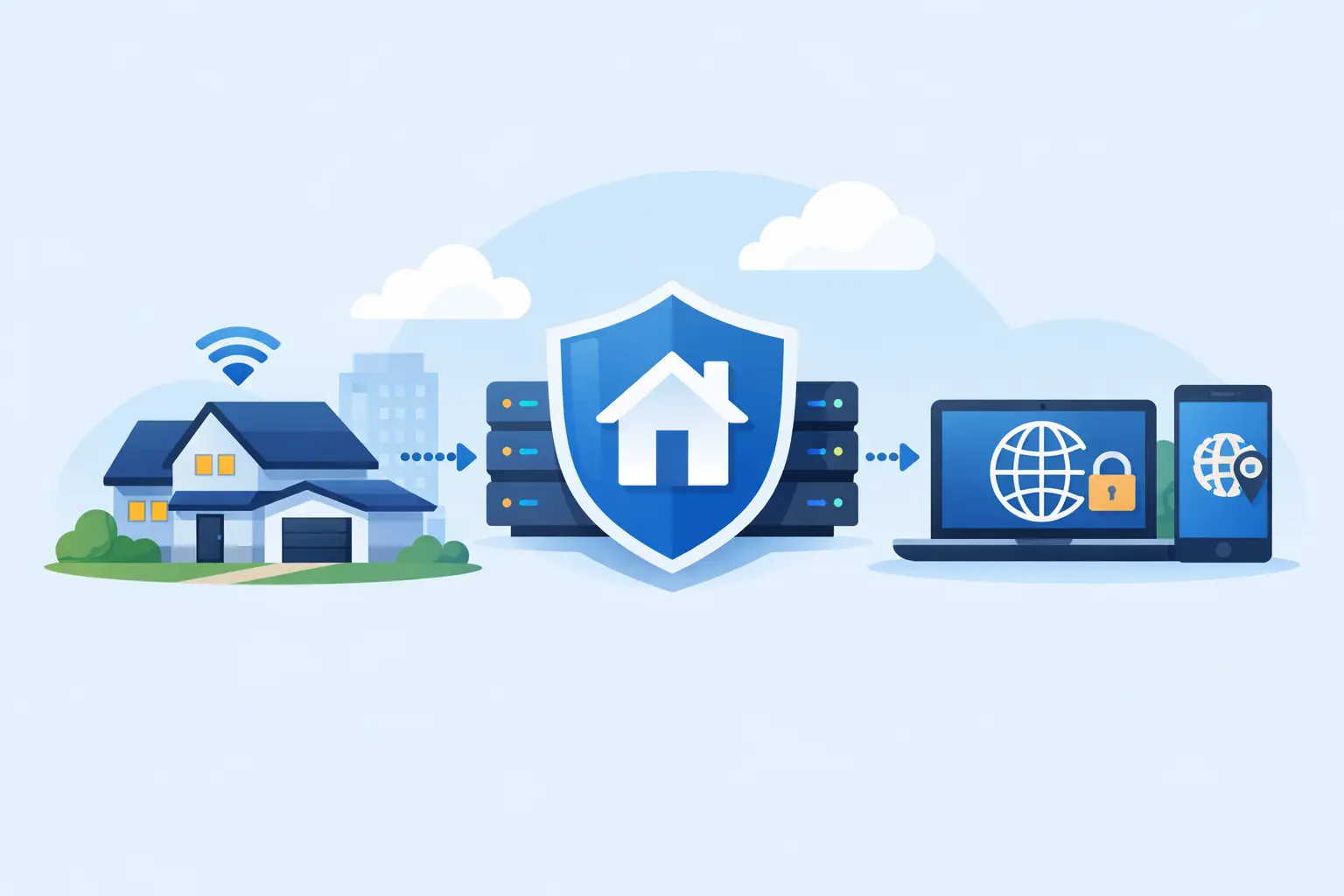
A blocked scraper, a flagged login, or search results that look different from what real users see - these are usually IP problems. If you are asking what is residential proxy and how does it work, the short answer is this: it routes your traffic through a real household IP address so your requests appear to come from a normal internet user instead of a server.
That difference matters. Websites treat traffic differently based on IP reputation, network type, location, and request behavior. A datacenter IP can be fast and cheap, but it is also easier to identify as infrastructure traffic. A residential IP looks more like standard user activity because it is assigned by an internet service provider to a real device or home connection.
What is a residential proxy and how does it work?
A residential proxy is an intermediary server that forwards your web requests through an IP address tied to a residential network. When you connect to a target site through that proxy, the site sees the residential IP, not your original one.
The mechanics are straightforward. Your browser, scraper, automation tool, or application sends a request to the proxy gateway. The provider then routes that request through an available residential IP in the location you selected, or through a rotating pool if your setup calls for frequent IP changes. The target website sends its response back through that same path, and the proxy forwards the data to you.
From the website's perspective, your traffic appears to come from a consumer internet connection. That can reduce blocks, improve geo-targeting accuracy, and make large-scale web operations more stable. It does not make bad traffic invisible, though. If your request patterns are aggressive, badly timed, or technically sloppy, websites can still detect and limit you.
Why residential proxies are different from datacenter proxies
The main difference is the source of the IP. Datacenter proxies come from cloud servers and hosting providers. Residential proxies come from ISP-assigned household connections. That changes how websites score trust.
For jobs where cost and raw speed matter most, datacenter proxies can be the better tool. They are often cheaper, faster, and easier to scale for lower-risk targets. For jobs where websites actively filter server-origin traffic, residential proxies usually perform better because they blend into normal traffic patterns more effectively.
This is why experienced operators rarely ask which type is universally better. They ask which type fits the task. Ad verification, localized SERP collection, market research, sneaker monitoring, account management, and high-friction scraping often benefit from residential IPs. Basic crawling, uptime checks, or lower-sensitivity automation may run fine on datacenter IPs at a lower cost.
How the routing process actually works
A residential proxy setup usually involves four parts: your client, the proxy provider's gateway, the residential peer or endpoint, and the target website.
Your client sends a request using proxy credentials or a gateway hostname and port. The provider authenticates the request, applies the session logic, and assigns an IP based on your targeting rules. Those rules might include country, city, ISP, sticky session duration, or automatic rotation.
The request then exits through the selected residential IP and reaches the destination site. If the site responds normally, the response goes back through the proxy layer to your application. If the site blocks, rate-limits, or challenges the session, you may need a different IP, different headers, slower concurrency, or better session handling.
That last part is where many users get it wrong. A residential proxy is not magic. It improves the IP layer, but your browser fingerprint, cookie behavior, headers, TLS profile, and request frequency still matter. The better your operational setup, the better your proxy performance.
Rotation, sticky sessions, and control
Most residential proxy networks offer rotating and sticky options because different tasks need different session behavior.
Rotating residential proxies assign a new IP at a set interval or on each request. This is useful for high-volume scraping, broad data collection, and workflows where repeated requests from the same IP would trigger limits. Rotation spreads load across a larger pool and reduces the chance of burning a single address.
Sticky sessions keep the same residential IP for a defined period. That is useful when a website expects continuity, such as maintaining a logged-in session, adding items to a cart, or navigating a multi-step flow. If your IP changes too often in those cases, the site may treat the session as suspicious.
The right choice depends on how the target site behaves. If continuity matters, use sticky sessions. If distribution matters, rotate. Many operators use both in the same stack depending on the endpoint.
Common use cases for residential proxies
Residential proxies are usually bought for access, accuracy, and survivability under real website defenses. In practice, that means they are useful for collecting public web data at scale, checking search results by location, verifying ads, monitoring marketplaces, managing multiple accounts with better network separation, and testing content delivery from different geographies.
They also help teams that need location-specific visibility. If you are tracking prices in different states, checking localized inventory, or validating region-based user experiences, a residential IP in the target location gives you a closer view of what actual users see.
For privacy-focused browsing, residential proxies can also reduce direct exposure of your own IP. That said, they are not a substitute for full security controls. They change network appearance, not the entire security model.
The trade-offs you should expect
Residential proxies typically cost more than datacenter proxies. That is the first trade-off, and for bandwidth-heavy operations it matters. If your use case can run effectively on datacenter IPs, paying a residential premium may be unnecessary.
Performance can also vary more. Residential networks depend on real-world endpoints, so speed and latency are not always as consistent as server-based infrastructure. Good providers reduce this variability with scale, routing quality, and stable gateway design, but the nature of the network still shows up in performance.
There is also a compliance and sourcing angle. Serious buyers should care about where IPs come from and how the network is managed. If a provider is vague about sourcing, support, or session controls, that is a risk. Proxy quality is not just about pool size. It is about how usable those IPs are under actual workload.
How to choose the right residential proxy setup
Start with the target website, not the proxy catalog. If the site has aggressive anti-bot controls, account-level enforcement, or heavy localization, residential proxies are often the safer starting point. If the site is simple and cost sensitivity is high, test datacenter first.
Then look at network size, country coverage, session control, authentication options, and support responsiveness. A large pool matters because it gives you more room to rotate and less chance of repeated reuse. Geographic coverage matters if your work depends on local visibility. Session controls matter because the wrong rotation pattern can break otherwise valid workflows.
Pricing should be evaluated against successful request rate, not just bandwidth cost. A cheap proxy that gets blocked constantly is expensive in practice. A more stable network often lowers total operating cost because it reduces retries, failures, and manual cleanup.
For teams running production workloads, activation speed and support quality are not small details. If your jobs fail at midnight, you need infrastructure that is available and support that responds. That is one reason operators often choose providers built around fast provisioning and broad pool access. FlameProxies, for example, positions around immediate activation, global coverage, and residential scale, which lines up with what most high-volume users actually care about.
What is residential proxy and how does it work in real operations?
In real operations, it works as an IP layer that helps your requests look geographically correct and less like obvious server traffic. That improves access, but results still depend on how you run the job.
If you are scraping product pages, your success rate will depend on proxy quality plus concurrency, header consistency, retry logic, and pacing. If you are managing accounts, session persistence and fingerprint discipline matter as much as the IP itself. If you are verifying ads across countries, location targeting and pool depth are the main variables.
That is the practical answer: residential proxies work by changing the network identity of your requests through real ISP-linked IPs, and they work best when paired with sensible request behavior.
If your operation depends on staying visible, staying distributed, and staying productive under rate limits, residential proxies are not a luxury item. They are part of the core infrastructure stack, and choosing the right setup early usually saves more time than trying to patch around bad IPs later.